From no-neutral dimmers that work in old wiring to Matter switches that talk to every platform, these picks cover the wiring situations that actually come up in a real house.
Last updated: September 2026
We may earn a commission if you buy through our Amazon links. It does not change what you pay or how the tools are ranked.
How we sized them up
This is a spec-led shortlist built from published specs and retailer listings. We compared wiring requirements, single-pole and 3-way support, load ratings, dimmer compatibility, connectivity (Wi-Fi, Zigbee, Thread, Matter), hub requirements, and platform support. The neutral wire is the biggest divider in this category, so we made sure both kinds are represented here. For lighting projects after the switch is in, see our other home guides on the home page.
The quick cut
Start with the wiring in your switch box, then pick the platform. Tap any pick to jump straight to the full breakdown.
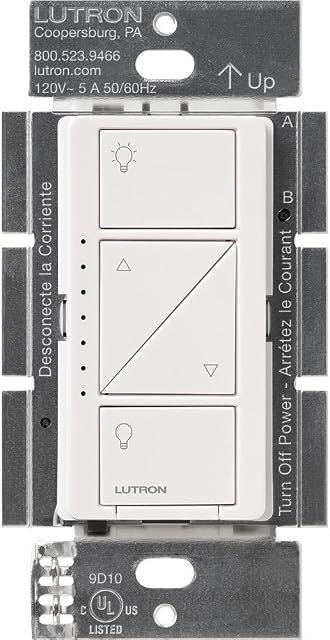
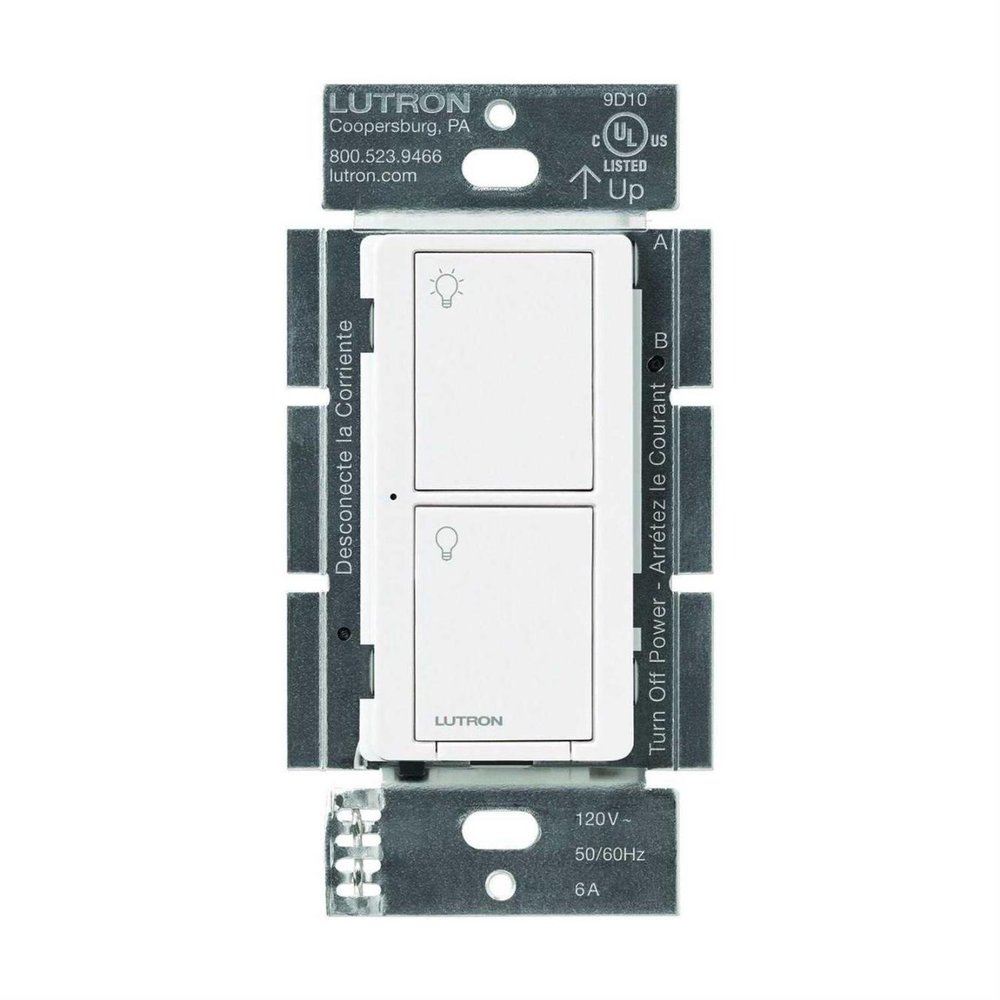
Lutron Caseta Wireless Smart Dimmer Switch for LED Lights, Single-Pole/3-Way (PD-6WCL)
ASIN B00KLAXFQA
Product image: Amazon product media.
Who it’s forThis is the safest recommendation on this list. It installs in old wiring with no neutral wire, dims a long list of dimmable LED bulbs, and a Pico remote gives you a second switch anywhere without cutting holes or pulling wire. Street price is around $60. The catch is the hub: app and voice control need the Lutron Smart Hub, sold separately, which adds roughly $80 if you are starting from zero.
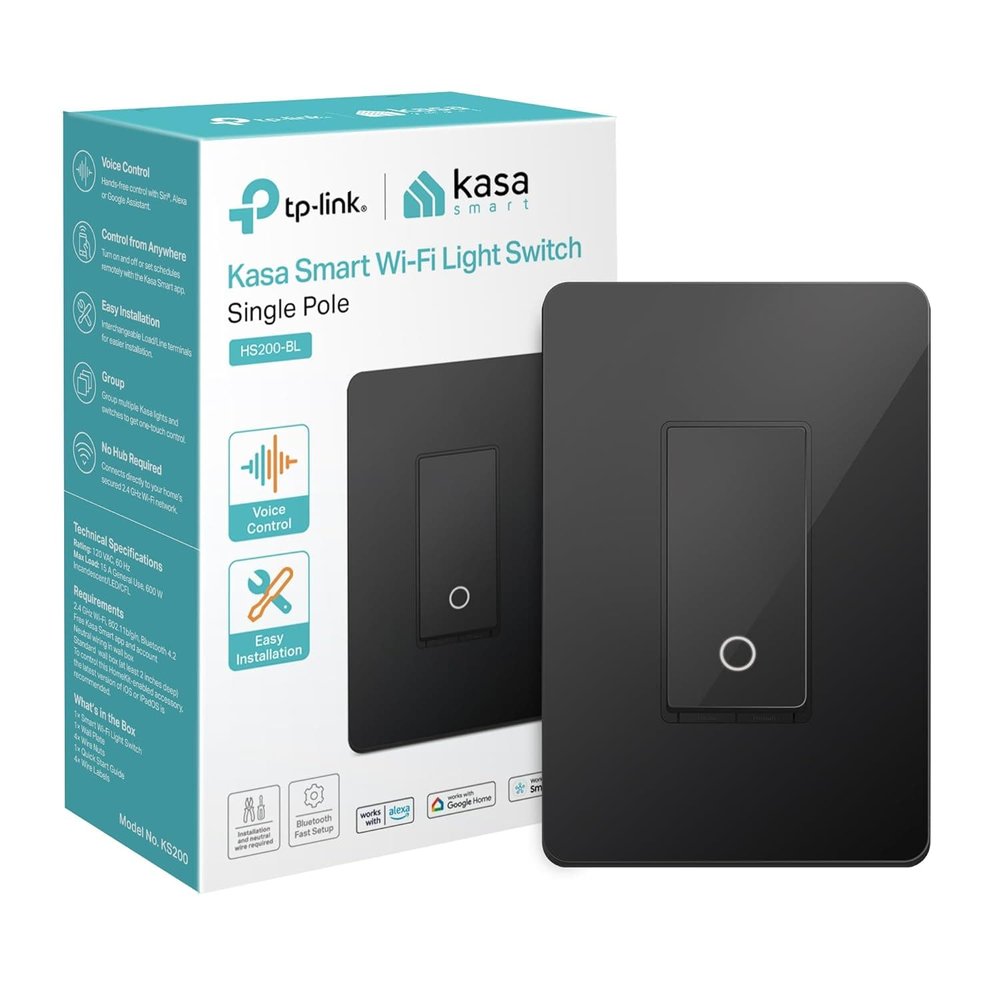
TP-Link Kasa Smart Wi-Fi Light Switch, Single Pole (HS200)
ASIN B01EZV35QU
Product image: Amazon product media.
Who it’s forIf your switch box has a neutral wire and you want smart control for the least money, the HS200 is hard to beat at around $15. It connects straight to 2.4 GHz Wi-Fi with no hub, works with Alexa and Google Assistant, and the Kasa app covers schedules, timers, and an away mode that flips lights on and off at random. It is single-pole only, so it suits rooms where one switch controls the light.
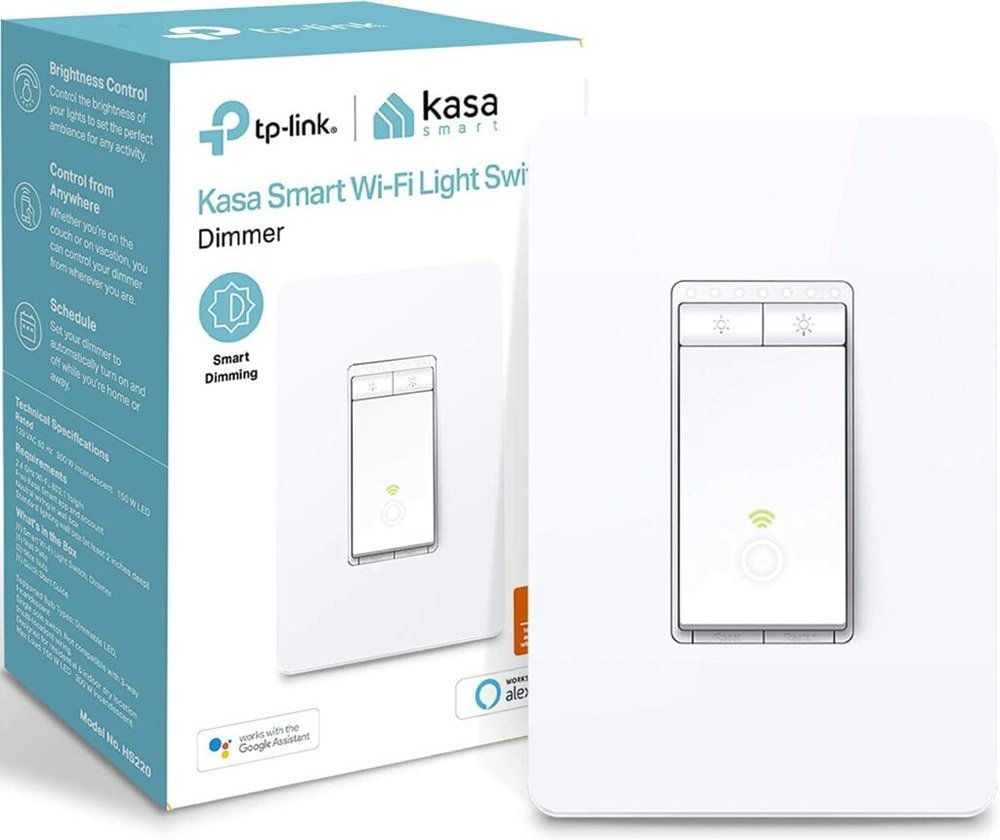
TP-Link Kasa Smart Wi-Fi Dimmer Switch, Single Pole (HS220)
ASIN B079775ZZQ
Product image: retailer product listing.
Who it’s forThe HS220 is the HS200 with dimming added, and it costs only a few dollars more at around $20. It dims from 1 to 100 percent and has a fade-on/fade-off option so lights ease up and down instead of snapping on. Setup is the same no-hub Wi-Fi flow. Like the HS200, it needs a neutral wire and is single-pole only.
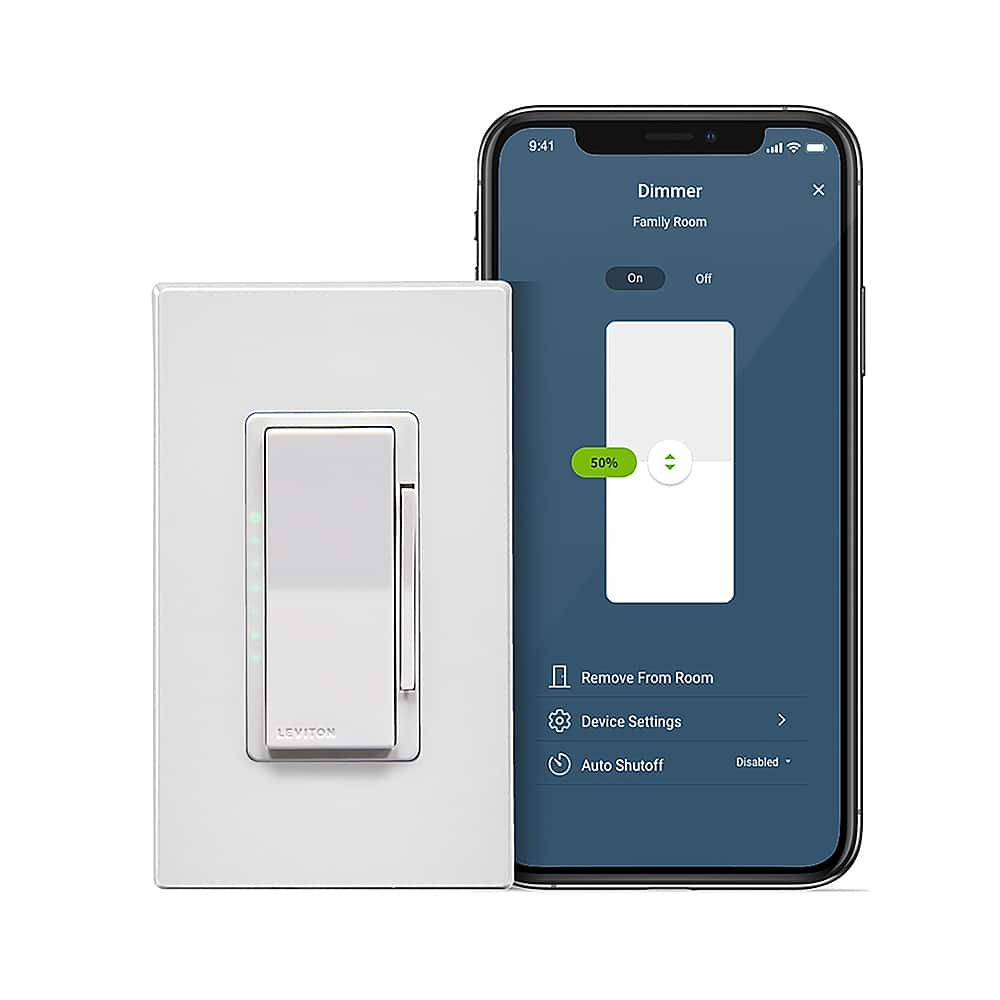
Leviton Decora Smart Wi-Fi 2nd Gen Dimmer (D26HD-2RW)
ASIN B08RRM8VH5
Product image: retailer product media.
Who it’s forThe Decora Smart dimmer looks and feels like an ordinary paddle dimmer, which makes it the easiest sell for the rest of the household. At around $50 it supports Matter over Wi-Fi, so it can live in Apple Home, Alexa, Google Home, or SmartThings, and the My Leviton app gives you fade rates and preset light levels. A screwless wall plate comes in the box. A neutral wire is required.
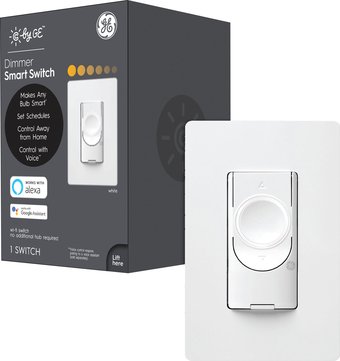
GE Cync Smart Dimmer Light Switch, No Neutral Wire Required (CSWDMBLBWF1NN/ST1P)
ASIN B082LK16TH
Product image: Cync retail packaging.
Who it’s forIf you want Caseta-style no-neutral dimming without buying a hub, this Cync dimmer is the alternative at around $35. The 3-wire version works in switch boxes with no neutral, pairs over Bluetooth for setup, and runs on 2.4 GHz Wi-Fi with Alexa and Google Home. The Cync app covers schedules and scenes, and the switch can be grouped with other Cync devices.
Specifications
Type
In-wall smart dimmer
Wiring
3-wire, no neutral required
Connectivity
Bluetooth + 2.4 GHz Wi-Fi, no hub
Control
Single-pole
Works with
Amazon Alexa, Google Home
Pros
No neutral wire needed
No hub needed
Simple paddle design
Cons
No Apple Home support
Check the Cync bulb compatibility list before buying
Who it’s forNot every circuit wants a dimmer. The PD-6ANS is Caseta’s on/off switch for porch lights, garages, and general-purpose fans — up to 6 amps of LED/CFL and 3.6 amps of fan load — and it runs about $55. It uses the same Lutron Smart Hub as the Caseta dimmer, so it drops into a Caseta setup cleanly. Note this one does need a neutral wire.
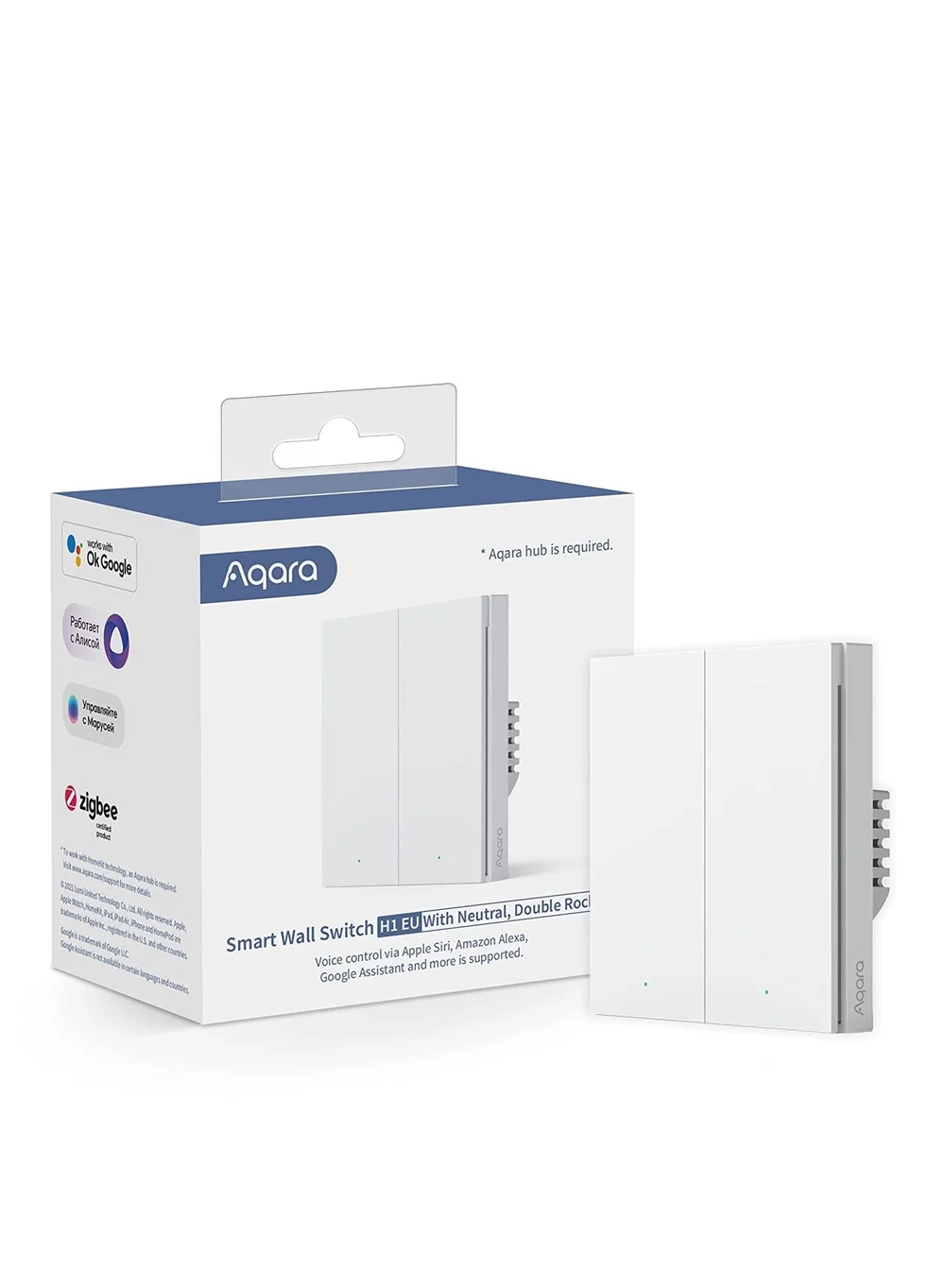
Aqara Smart Wall Switch, No Neutral, Double Rocker (WS-USC02)
ASIN B081ZQZJ8J
Product image: Aqara retail packaging.
Who it’s forFor a HomeKit-leaning house, Aqara’s no-neutral switch is the budget route to a smart wall switch at around $40. It uses Zigbee 3.0, so it needs an Aqara hub, and the double rocker controls two circuits — or dedicates the second rocker to scenes. Once the hub is in place, it works with Apple Home, Alexa, and Google Assistant.
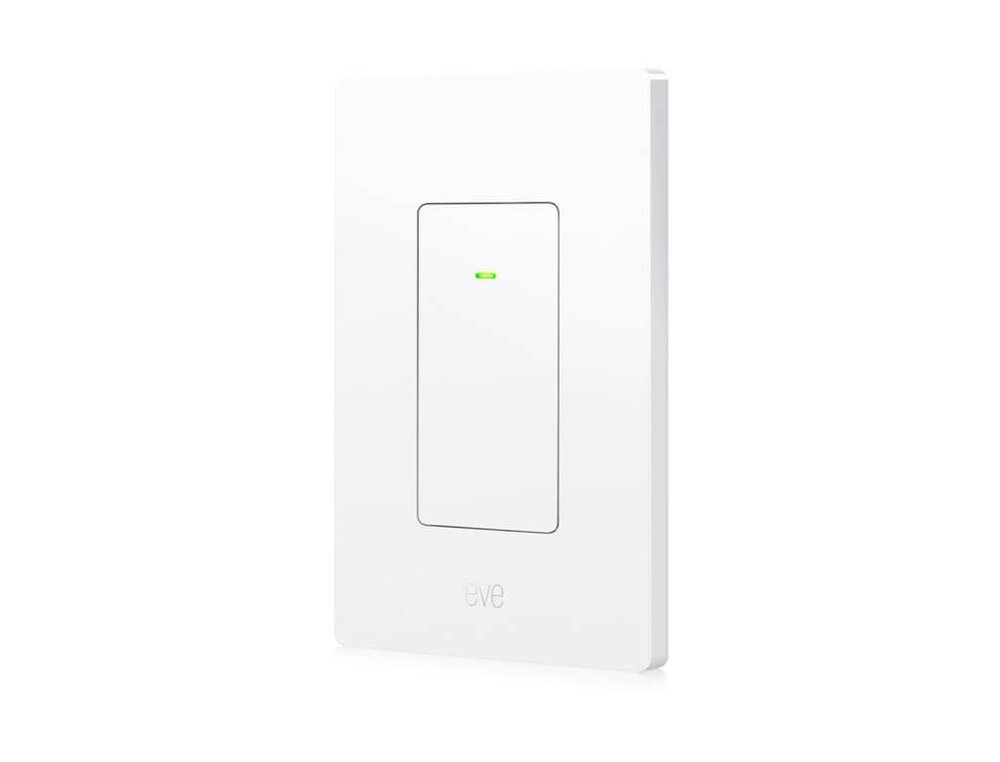
Who it’s forThe Eve Light Switch speaks Matter over Thread, which puts it in the fast local-control lane: commands stay on your home network, and it pairs with Apple Home, Alexa, Google Home, and SmartThings. It runs about $50 and includes the wall plate and mounting hardware. You will need a Thread border router — a recent HomePod, Apple TV 4K, Echo, or Nest hub — and a neutral wire.
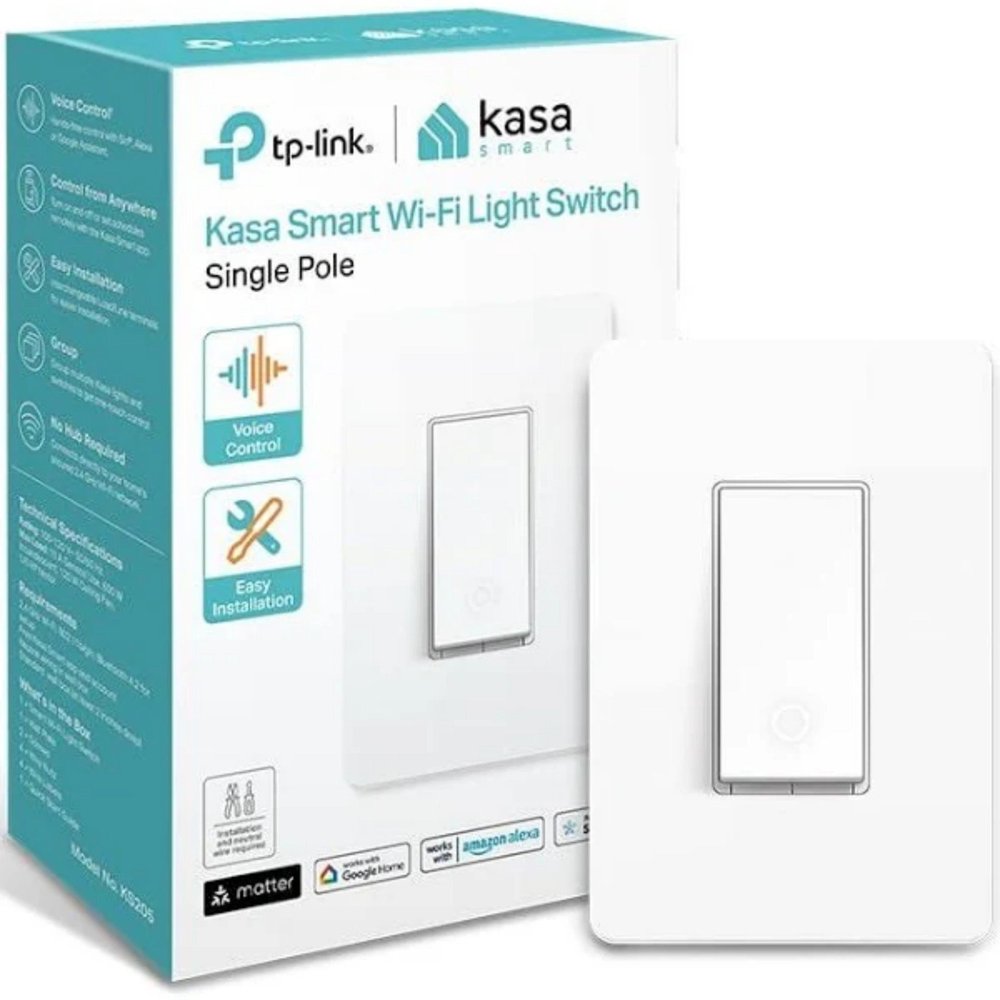
Who it’s forMatter support usually costs a premium. The KS205 brings it down to about $20. It runs Matter over Wi-Fi, so it works with Siri, Alexa, Google Assistant, and SmartThings without locking you into one ecosystem. Like most budget picks, it needs a neutral wire and is single-pole only.
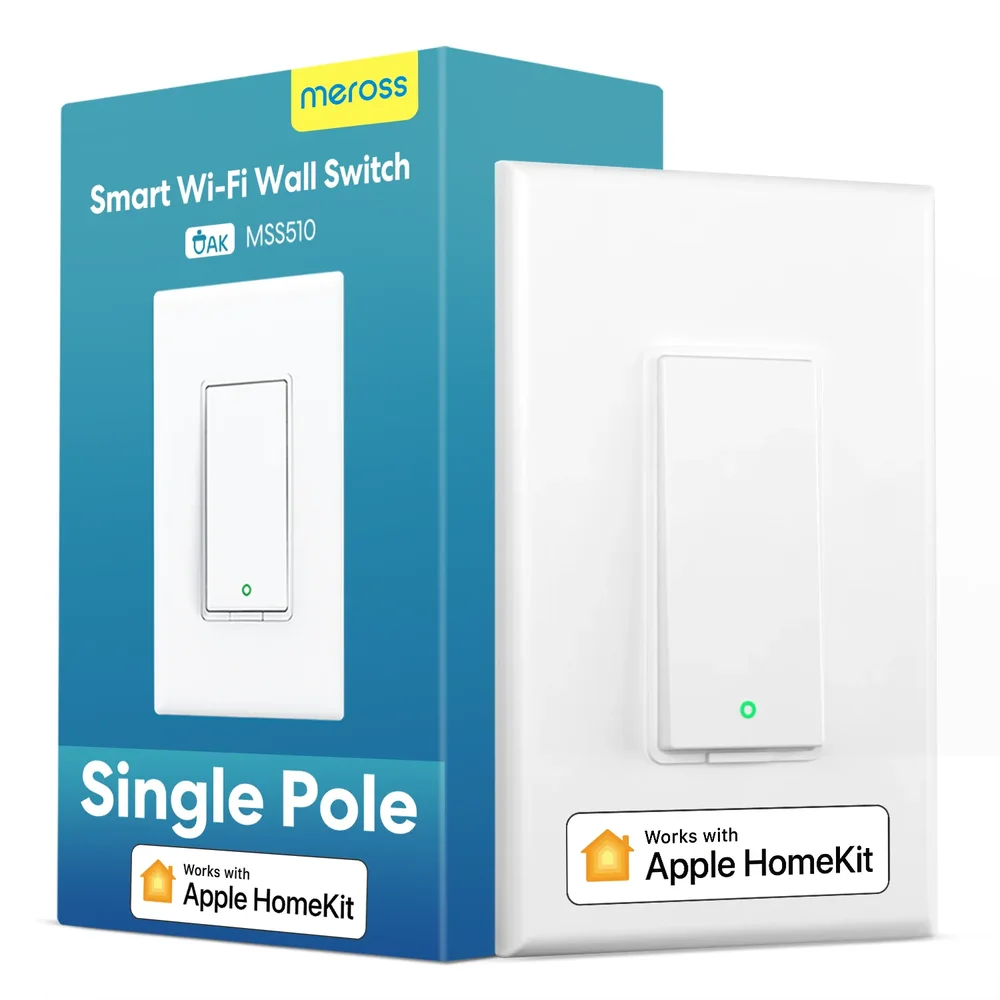
Meross Smart Wi-Fi Wall Switch, Apple HomeKit (MSS510)
ASIN B087P3DM42
Product image: Meross retail packaging.
Who it’s forThe MSS510 is for the Apple household that does not want another hub. At around $17 it connects over 2.4 GHz Wi-Fi straight to HomeKit, with Siri, Alexa, Google Assistant, and SmartThings alongside it. App control, schedules, and voice all work with no hub in the mix. A neutral wire is required, and it is single-pole only.
Specifications
Type
In-wall smart switch (on/off)
Neutral wire
Required
Control
Single-pole only
Connectivity
2.4 GHz Wi-Fi, no hub
Works with
Apple Home, Siri, Alexa, Google Assistant, SmartThings
Match the switch to the wiring in the box and the bulbs on the circuit. Get those two right and everything else is easy.
The neutral-wire question
Open the switch box and look for white or gray wires bundled in the back of the box. If they are there, most switches on this list will work. If they are not, your options narrow to no-neutral models like the Lutron Caseta dimmer, the Cync no-neutral dimmer, or the Aqara switch. No-neutral switches pass a tiny trickle of current through the bulb, so pair them with dimmable bulbs from the maker’s compatibility list to avoid flicker.
Single-pole vs. 3-way
A single-pole switch controls a light from one spot. A 3-way setup has two switches controlling one light — think stairways and hallways. Smart switches handle 3-way differently: some wire to the existing traveler wires, some like Caseta pair with a wireless remote, and a few work with a companion switch. Figure out which you have before you buy, because a single-pole switch cannot replace one end of a 3-way circuit on its own.
Dimmer and bulb compatibility
Smart dimmers are picky about bulbs. Use bulbs marked dimmable, check the switch maker’s compatibility list, and watch the minimum load: a single low-wattage LED on a high-rated dimmer can flicker or glow faintly when off. If a circuit has non-dimmable bulbs, smart bulbs, or a fan, pick an on/off switch instead of a dimmer.
Hub, Wi-Fi, Zigbee, or Matter
Wi-Fi switches are the simplest: no extra hardware, but each one joins your network. Hub-based switches from Lutron and Aqara keep traffic off Wi-Fi and tend to respond a little faster. Matter is the standard that lets one switch work across Apple, Google, Amazon, and Samsung, which makes it worth favoring if you are not settled on one platform. Thread, the radio under many Matter switches, needs a border router device in the home.
When to call an electrician
Turn the breaker off before touching any wires and confirm with a non-contact tester. Call an electrician if the box has no ground wire, the wiring looks aluminum, the box is packed tight, or you cannot tell which wire is which. A pro install on a few switches costs little and removes the risk.
What to skip
Skip bargain no-name switches with no UL or ETL listing. Skip dimmers on circuits with ceiling fans — use an on/off switch rated for fan load. And skip smart switches on circuits where smart bulbs are already doing the work: the two controls will fight, so pick one or the other.
Specifications are based on published manufacturer and retailer information for the listed models. Check the current product listing for package contents and compatibility before ordering.